Uploading Health Check Files
Requirements
- Files generated from Health Check: • Inspection Files • Storage Information Collection Files • Historical Performance Monitoring Files
Tasks
Inspection Files Uploading
- Enter: https://support-eu.eservice.huawei.com/
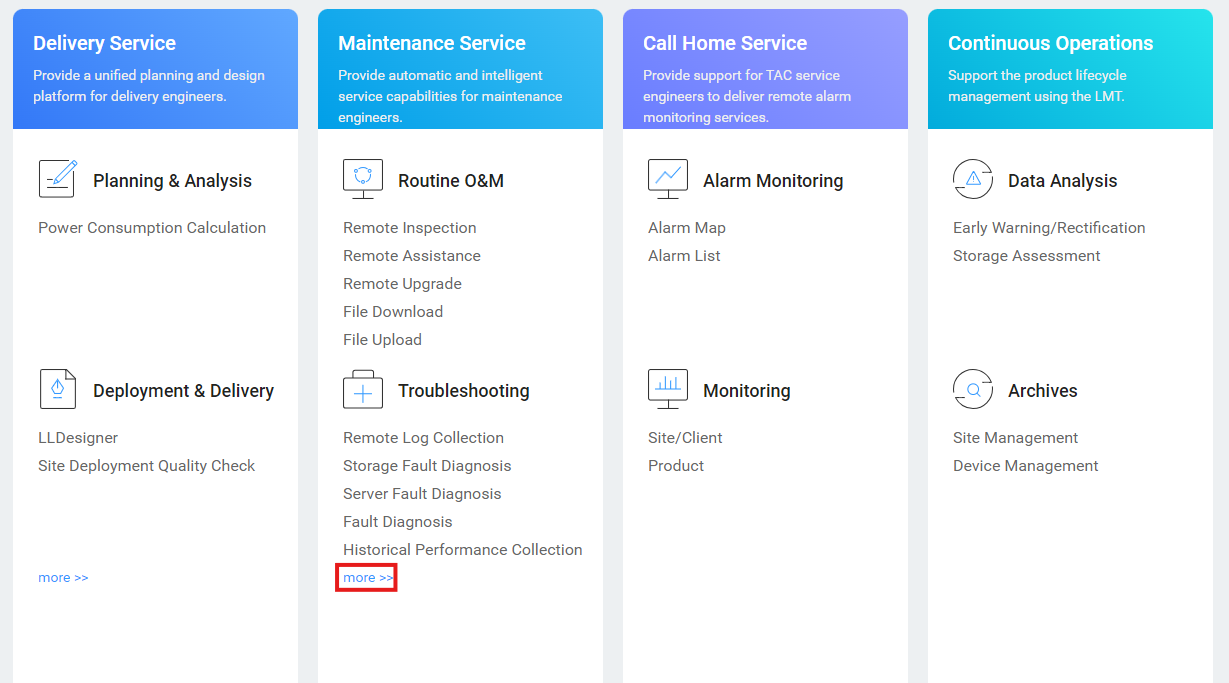
- Click 'Troubleshooting' → 'More'
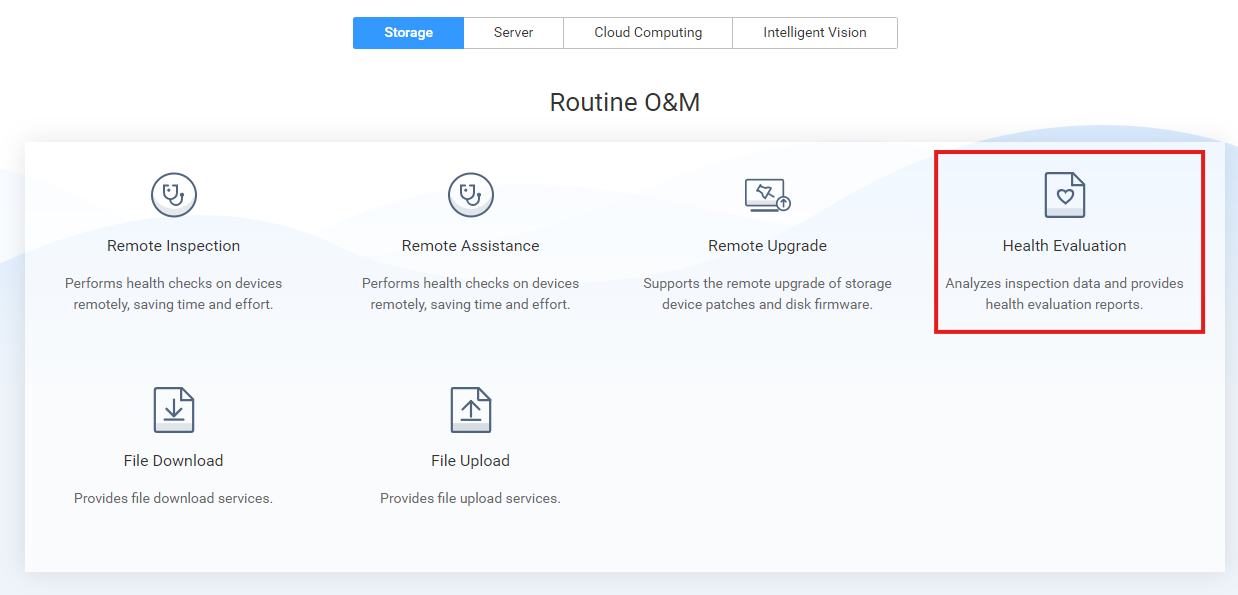
3. Click 'Health Evaluation'
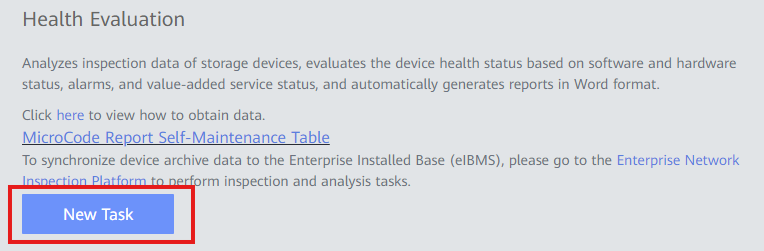
4. Click 'New Task'
5. Fill out the information:
- Task Name: Descriptive name for the Task
- Customer BG Type: Type of customer (Carrier / Enterprise)
- Site Name: Select customer name
- Region: Select the region (normally European Region)
- Office: Select the office (normally Spain Rep Office)
6. Click 'Import' and add the Inspection File generated 7. Click 'OK' to finish the process
Historical Performance Monitoring Files Uploading
- Enter: https://support-eu.eservice.huawei.com/
- Click 'Troubleshooting' → 'More'
3. Click 'Performance Analysis'
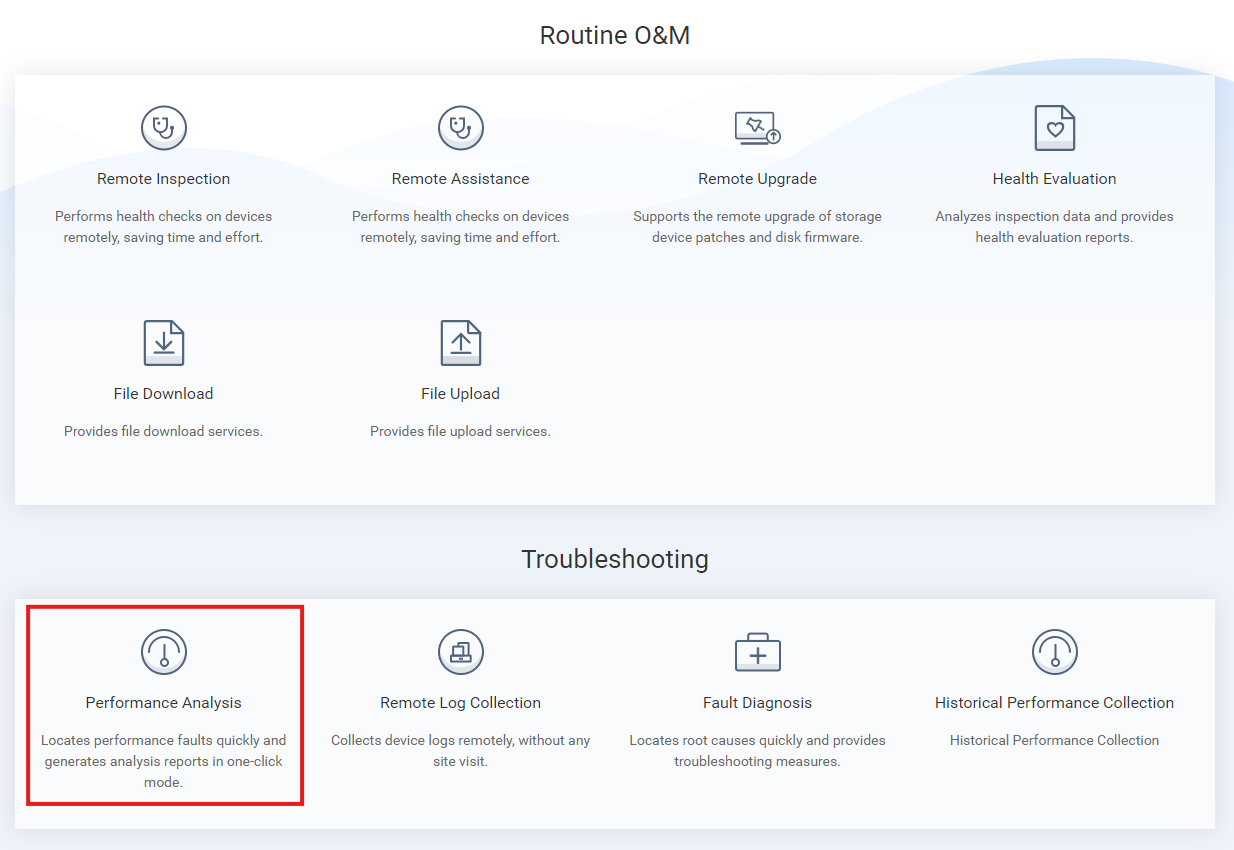
4. Click 'Centralized Storage' 5. Click 'Upload Performance Data Package' 6. Upload Historical Performance Monitoring generated files
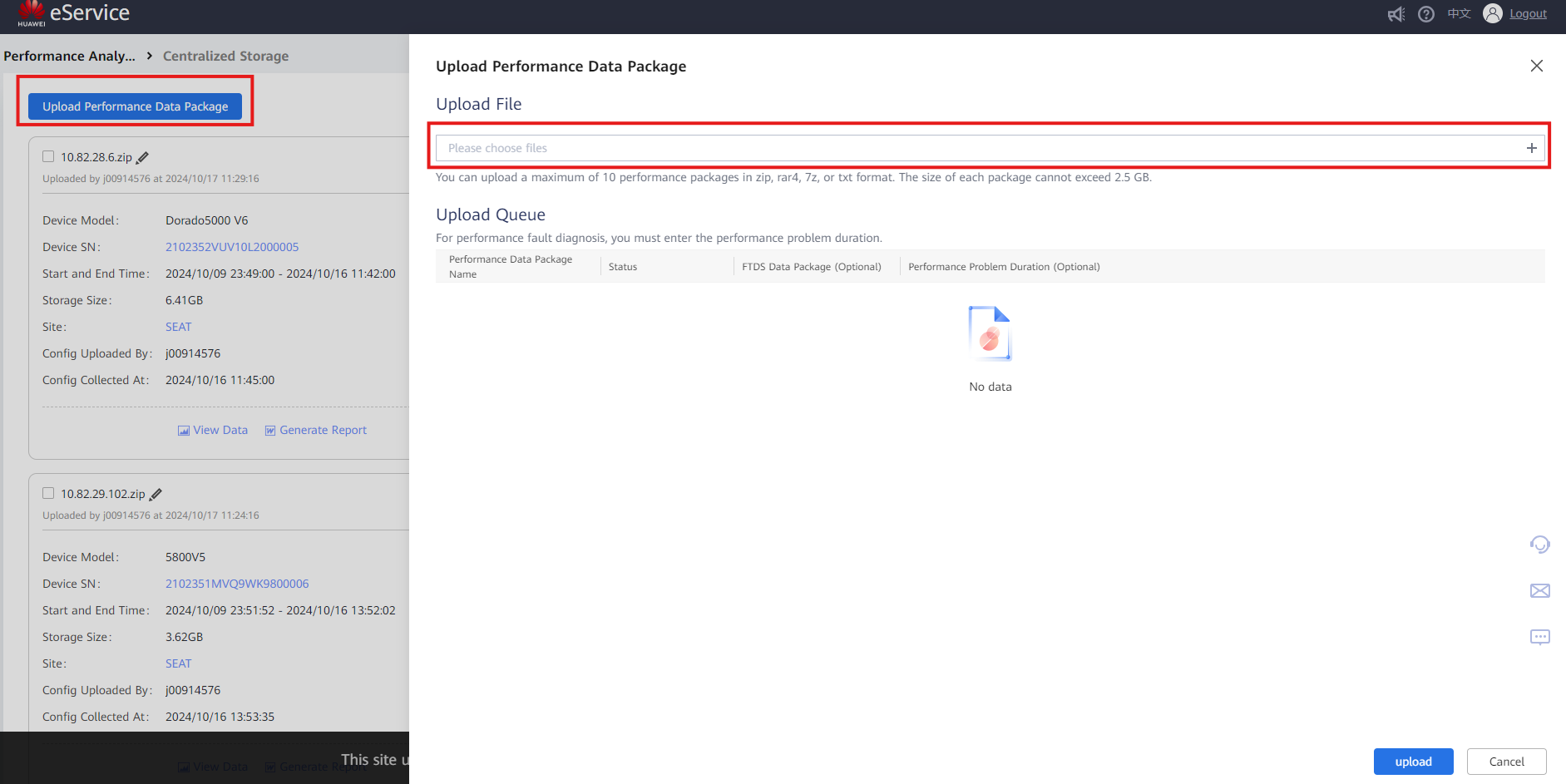
7. Click 'Upload' to finish the process