Install
Definition
Installing the Quorum server is the first step on setting up a HyperMetro with Quorum arbitration. The Quorum server is used to manage the tasks on the HyperMetro devices and prevent split-brain scenarios.
Software Download
Requirements
- Model of the Storage Arrays (e.g. OceanStor Dorado)
- Software version of the Storage Arrays on HyperMetro
- Operating System of the Quorum Server
- root access into the OS
Tasks
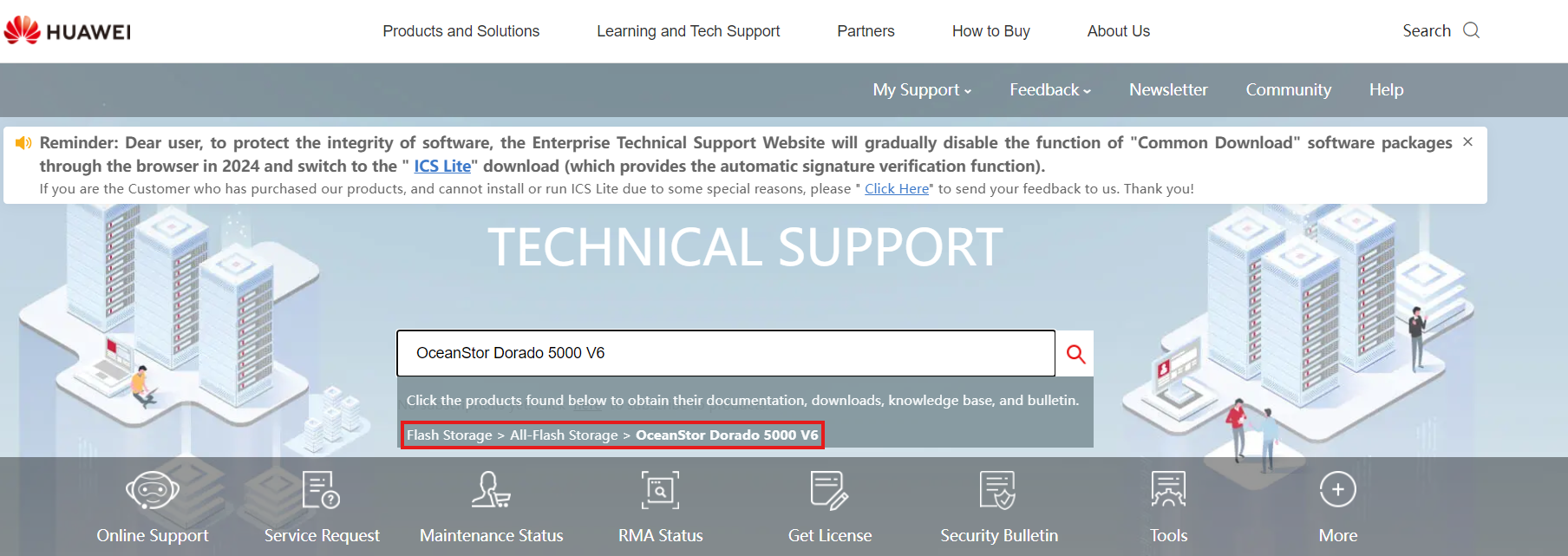
- Enter: https://support.huawei.com/
- Search the Model of the required Storage Solution
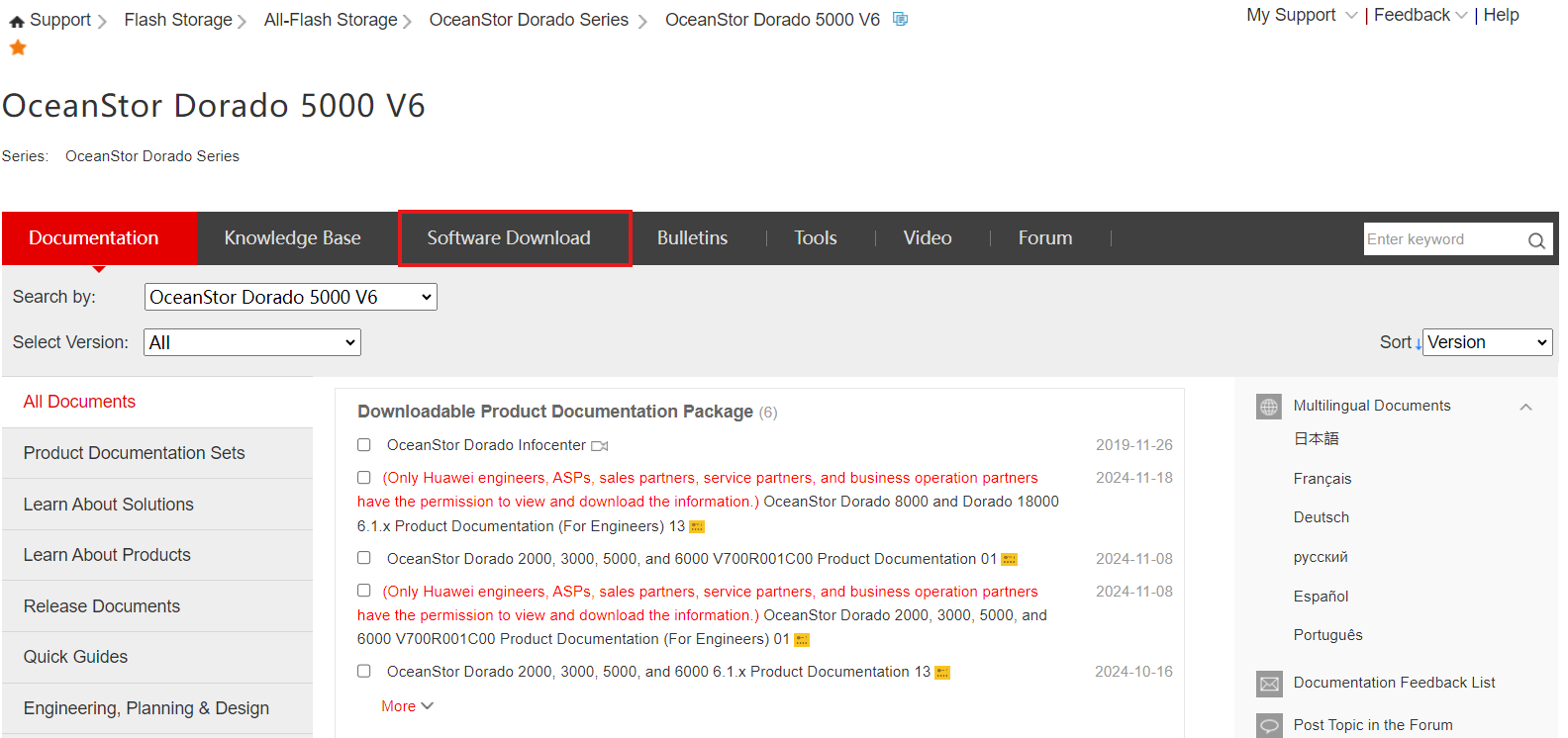
- Click Software Download
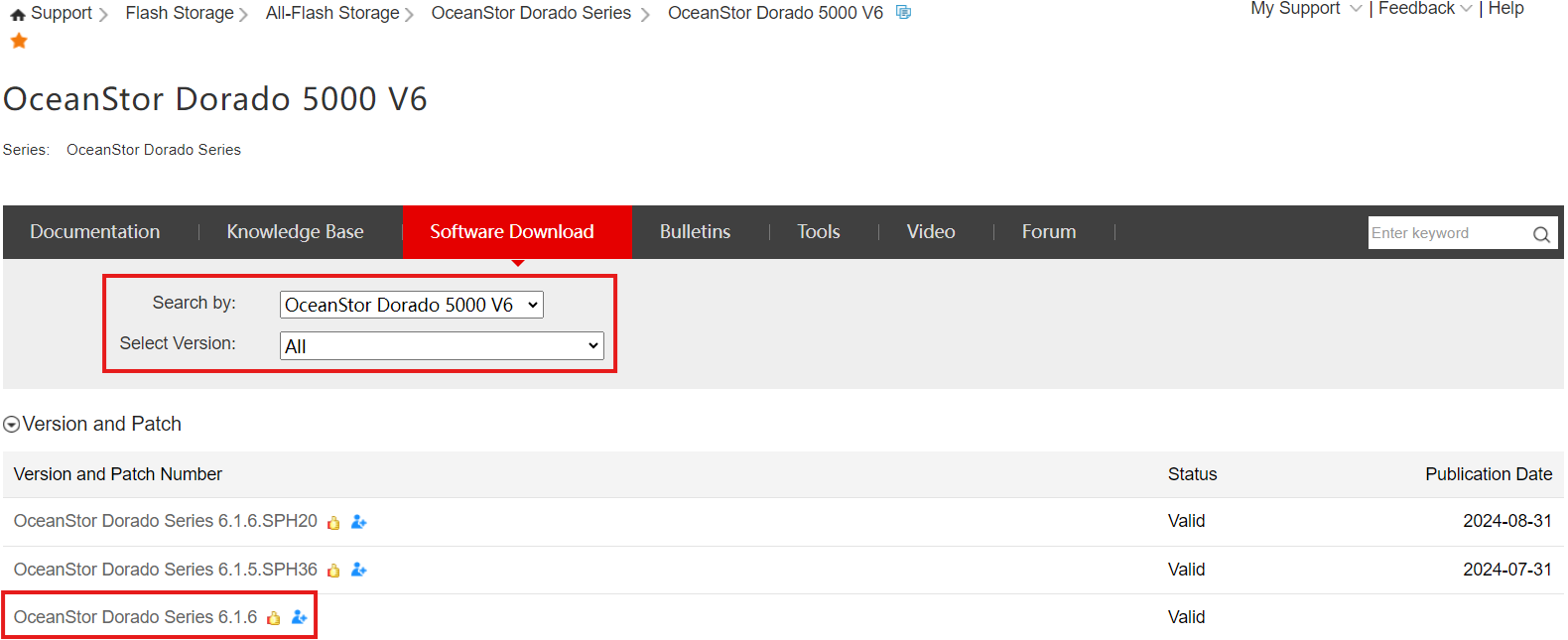
- Select the Main version the Storage Cabinets are on
-
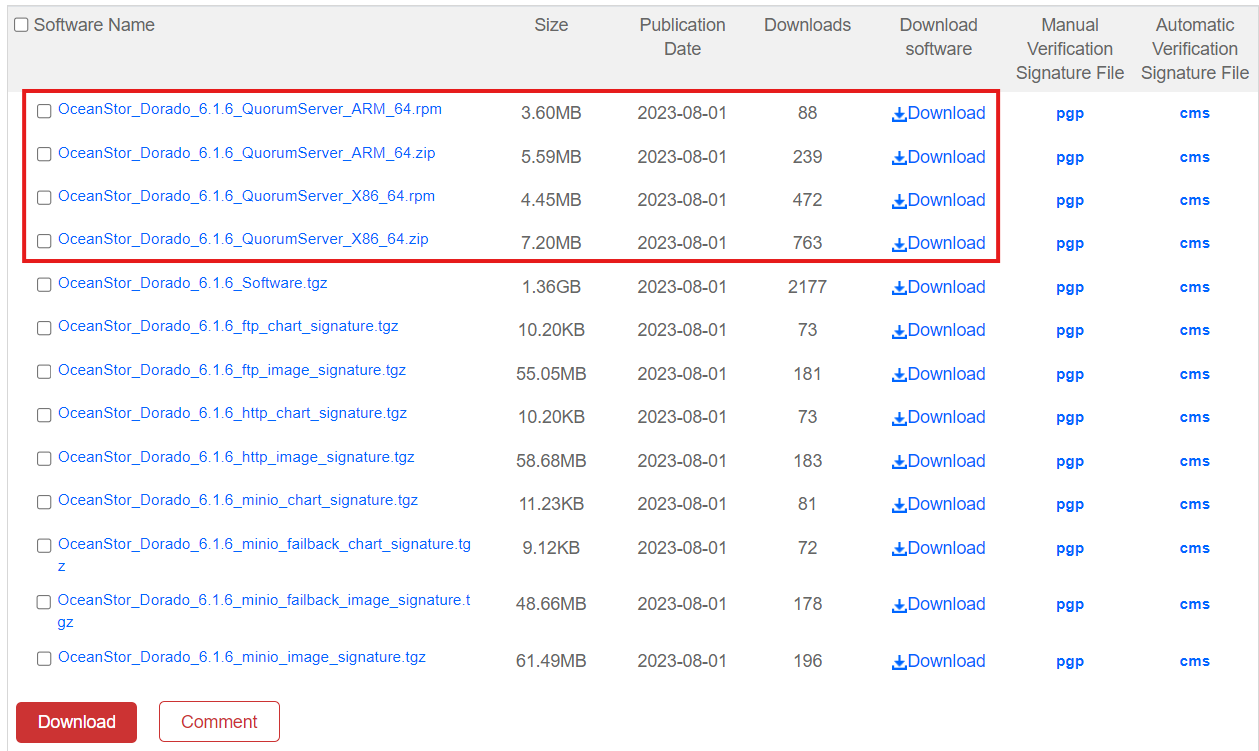
Download the Quorum Server Software, depending on its Operating System
-
Linux: .zip
- RedHat: .rpm
Installation
Requirements
- Software downloaded for the Quorum Server (see previous point)
- Connection to the Quorum Server VM
Tasks
- Connect to the VM that will host the Quorum Server
- Move the Software Package into the VM
- Unzip the Software Package
- Access the 'package' directory
- Install the Quorum Server:
sh ./quorum_server.sh -install - Create the Quorum Server User or leave it as default
- Input a Password for the Quorum Server User
- Test if the installation was successful:
qsadmin