Alarm Masking
Requirements:
- Alarm ID of the alarm that needs Masking
Tasks
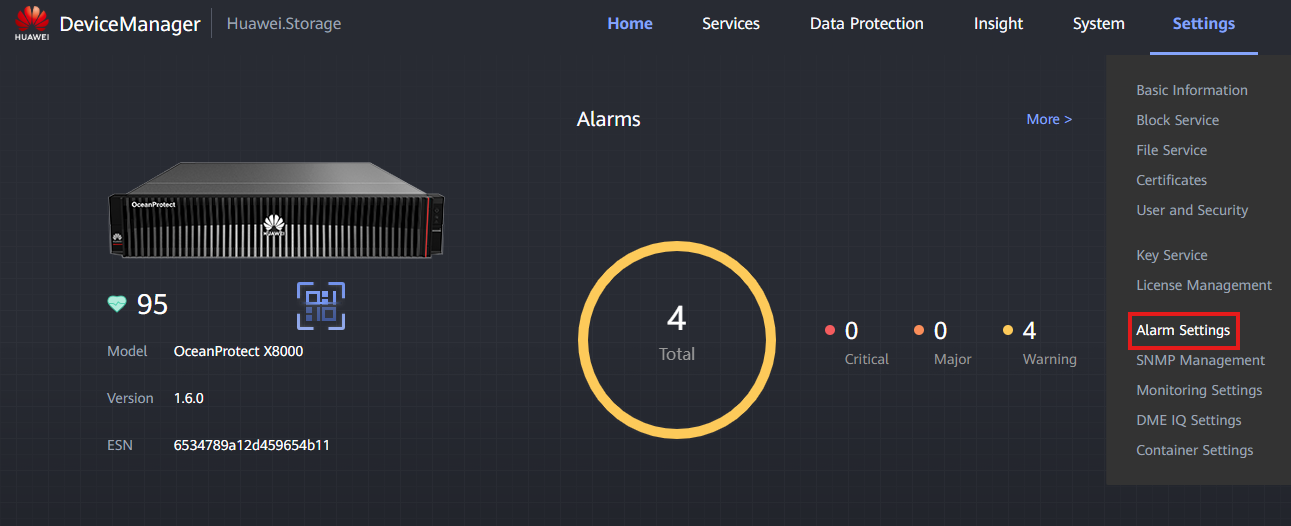
- Go to Settings > Alarm Settings
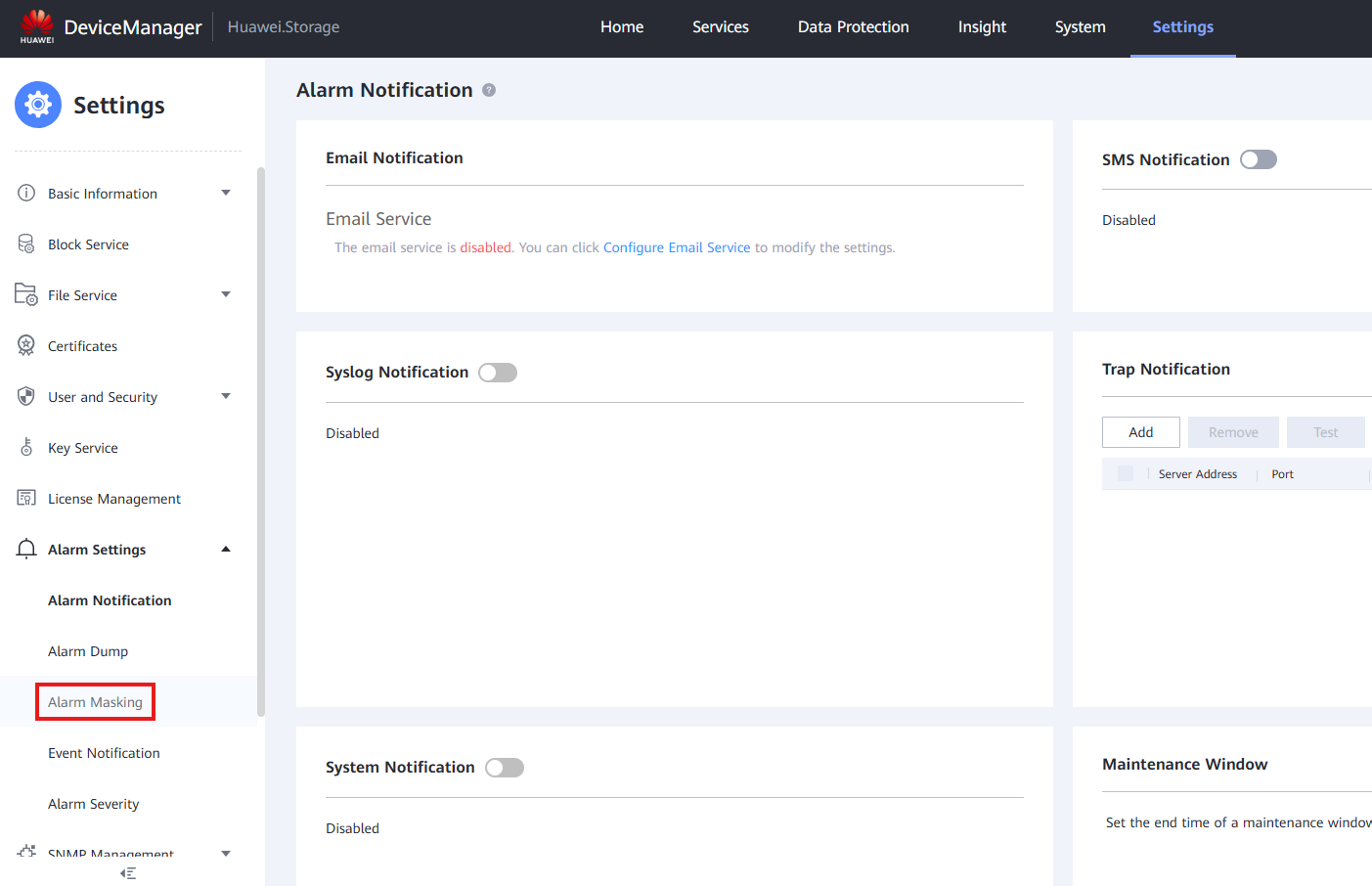
- Go to Alarm Masking
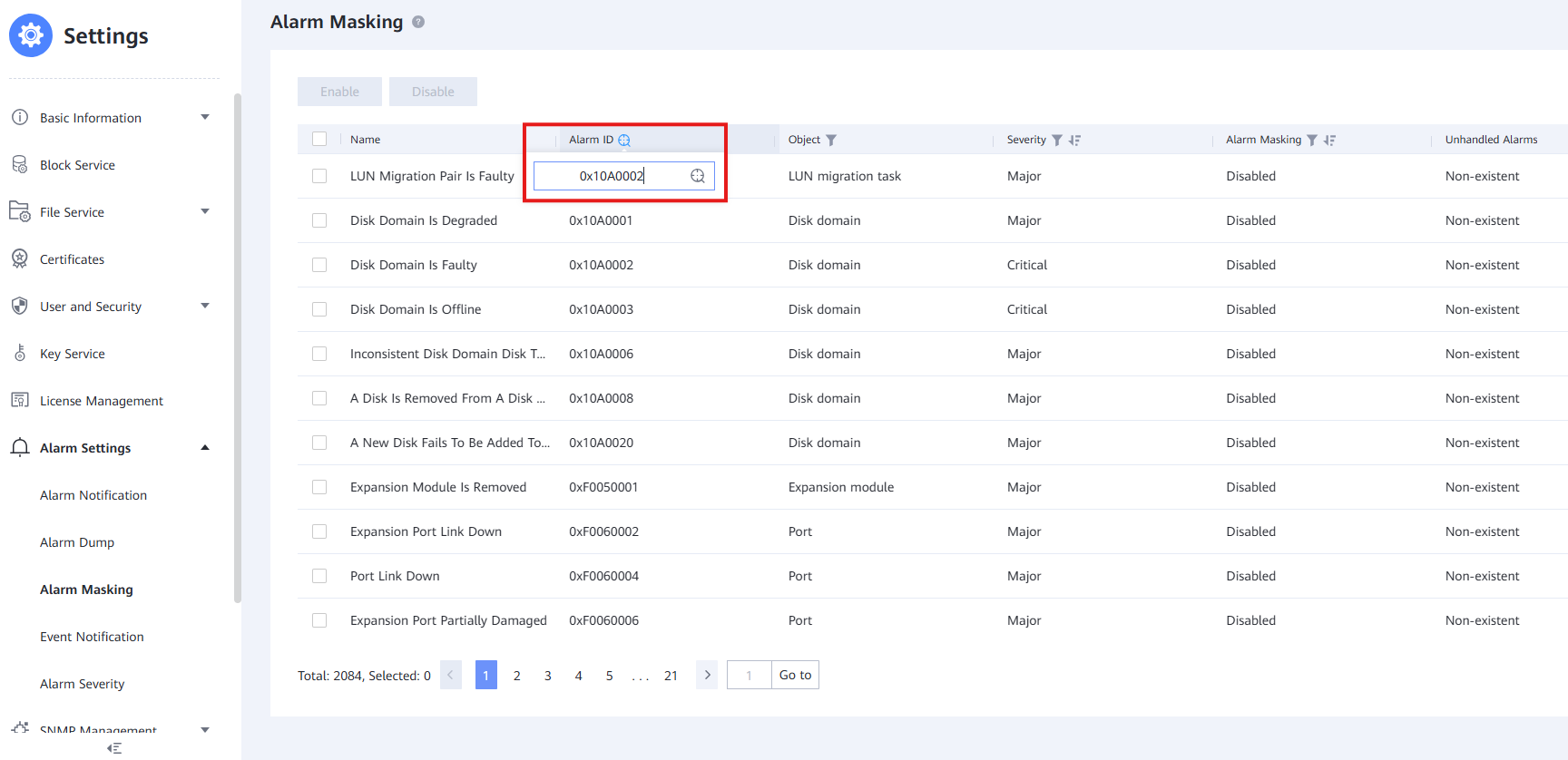
- Filter by using the Alarm ID column
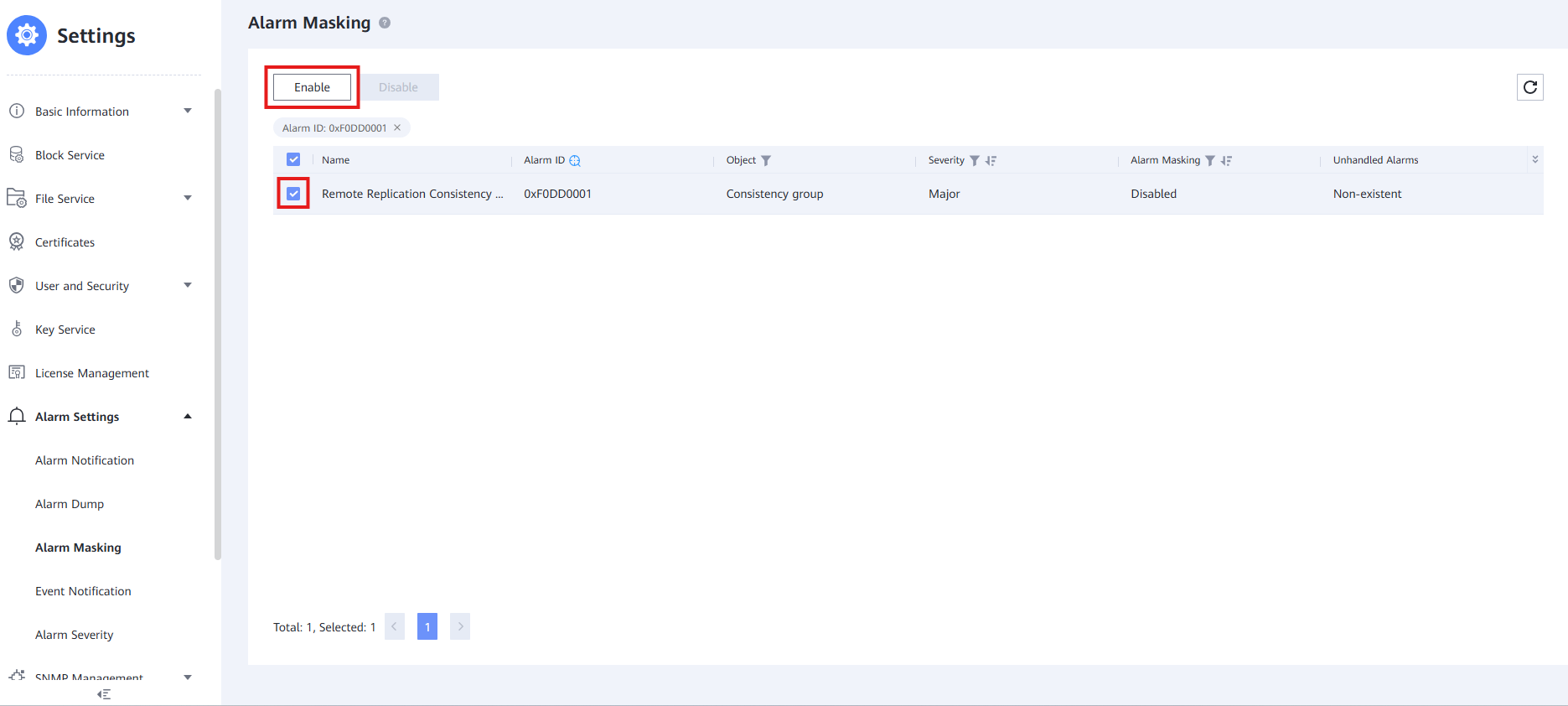
- Select the Alarm and click ' Enable '
- Check the Agreement Box and press ' OK ' to finish this process and mask the desired alarm