Configure Scale Out Storage Project
Definition
After creating a Scale-Out Storage Project (see)[[Create Scale-Out Storage Project]]), it's necessary to configure it properly through LLDesigner to prepare the deployment.
Tasks
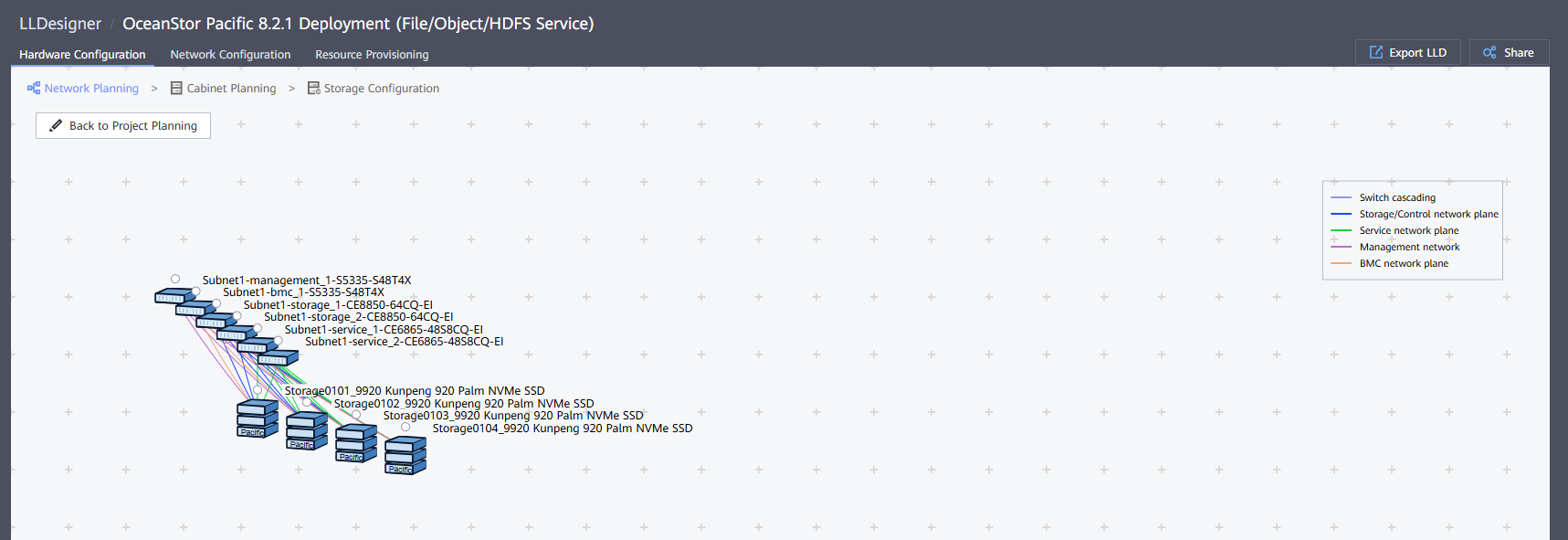
- Select 'Storage Configuration' to access the Storage devices settings:
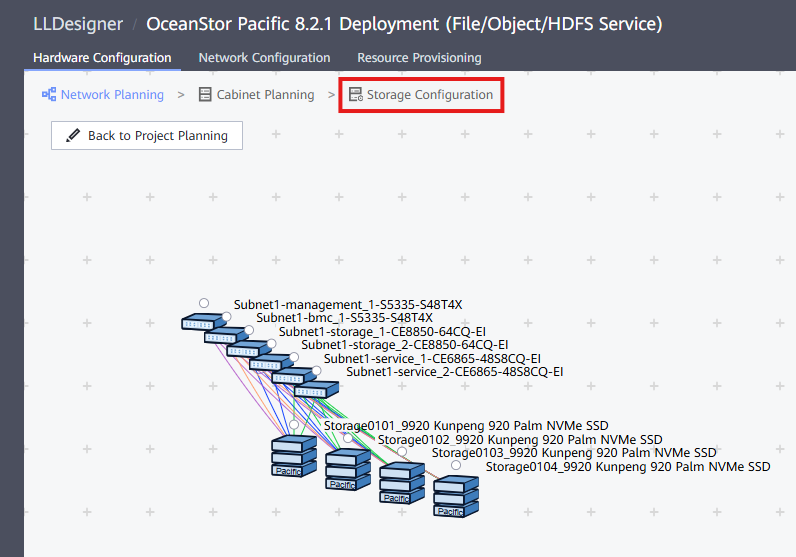
- On this page, it's possible to configure the Storage Ports for the different network planes (just in case the configuration is different from the default one):
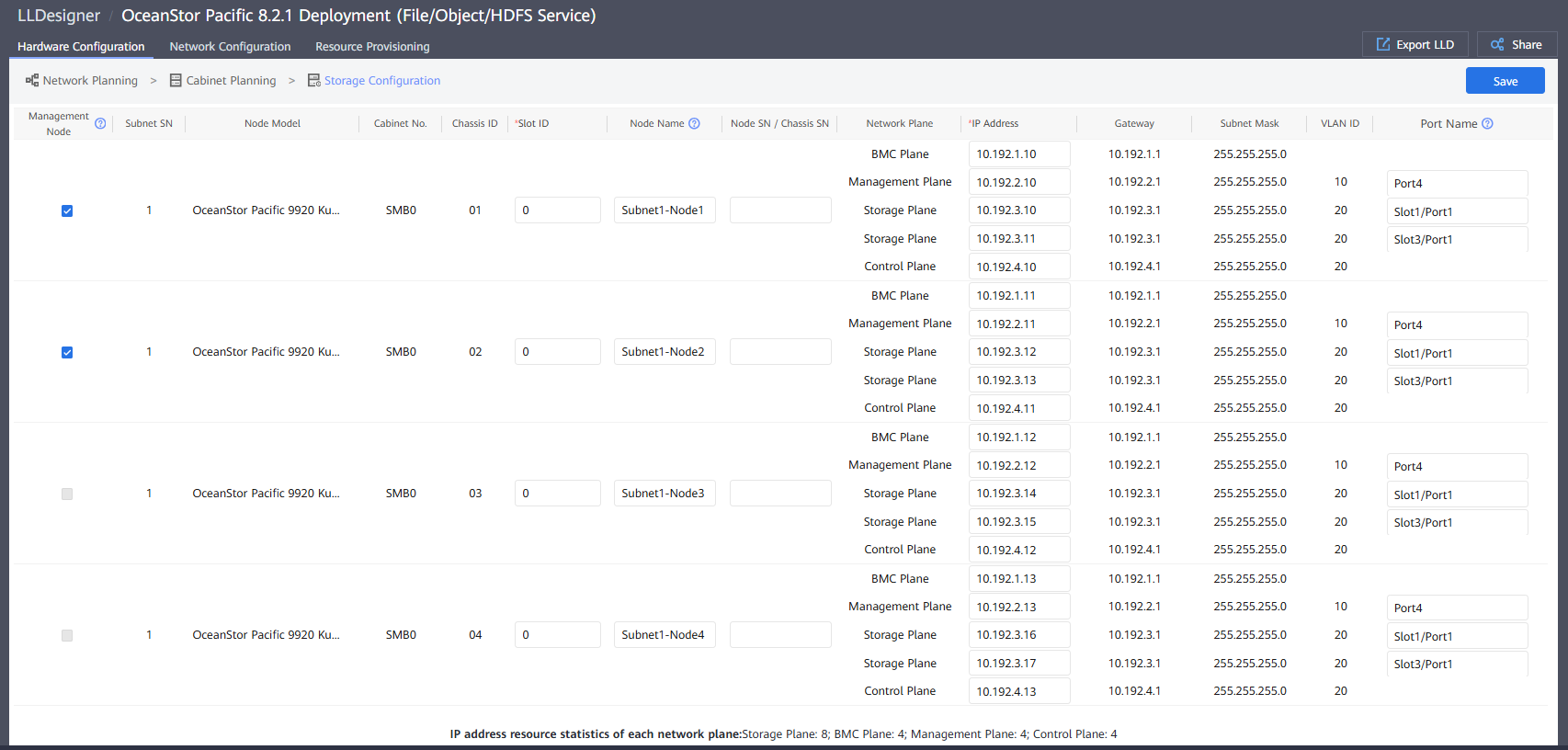
- Press Save to update the changes (if any)
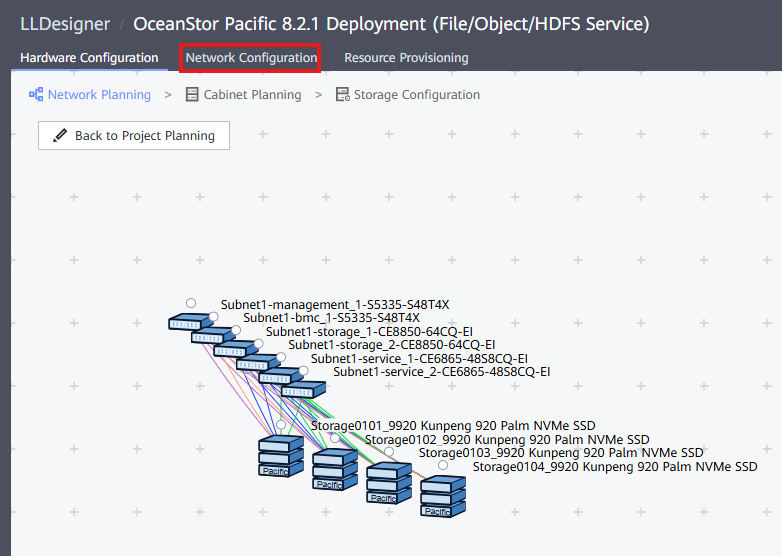
- Select 'Network Configuration' to properly configure IPs for the network planes:
-
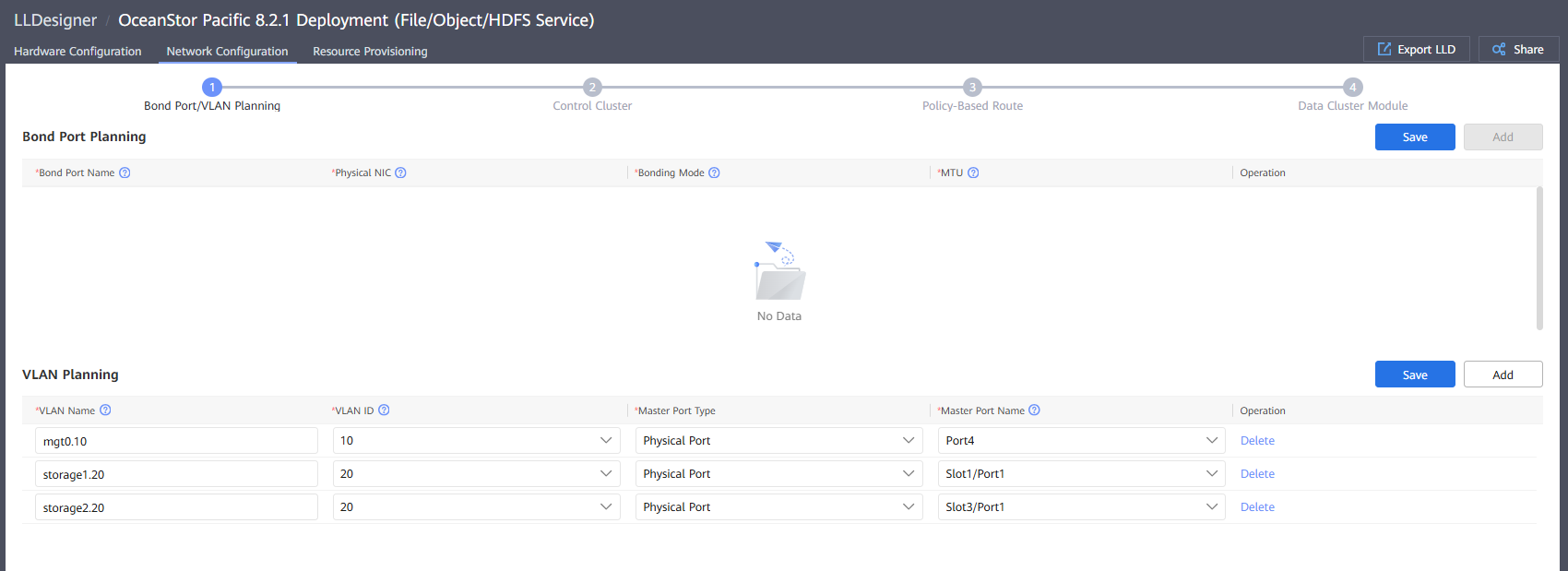
Bond Port/Vlan Planning:
-
Bond Port Planning: In case bonds are used, they can be filled out here
- VLAN Planning: For each of the network planes and regarding the information inputted on the LLD, this point is filled.
-
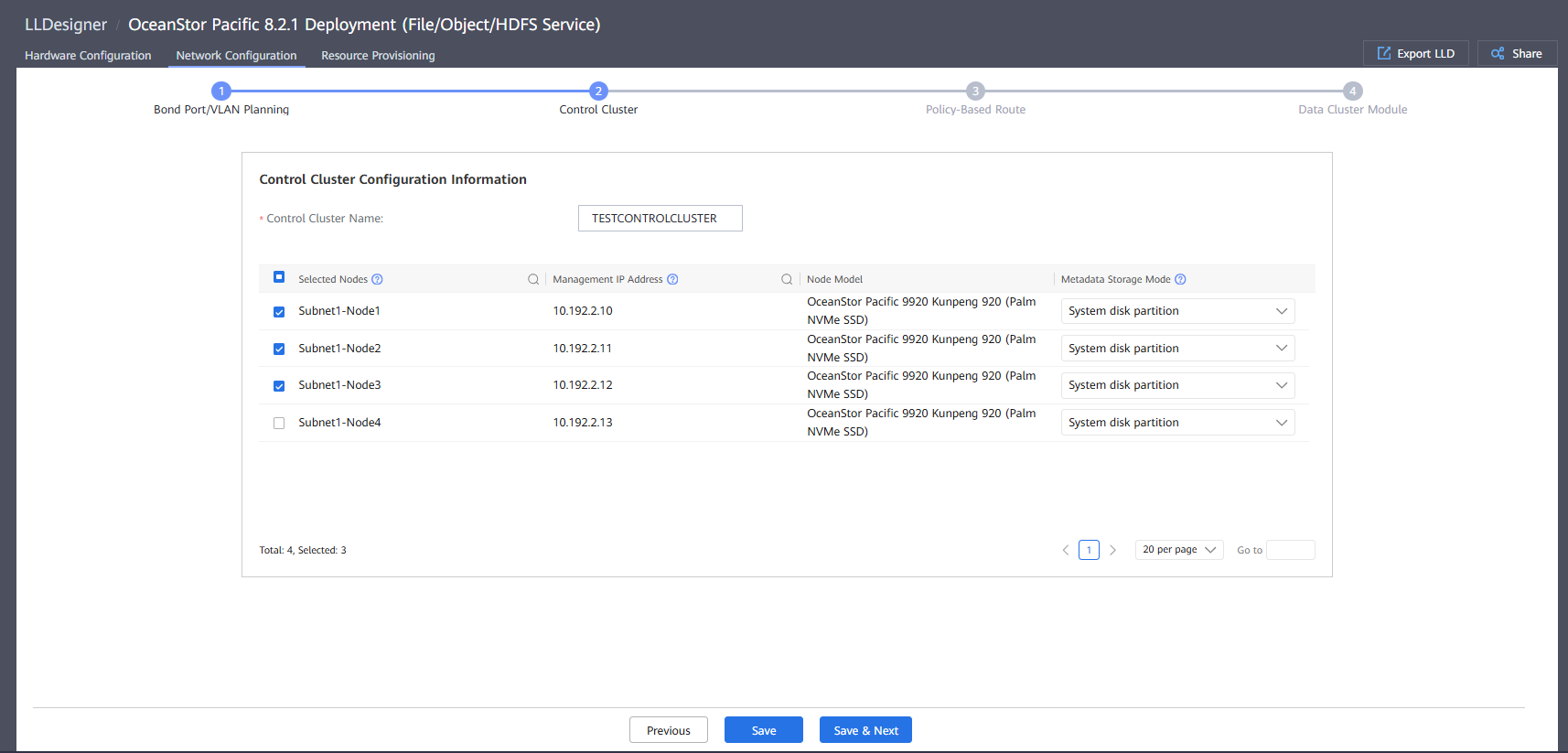
Control Cluster:
-
Control Cluster Name: Name of the Control Cluster
- Node selection: Nodes that can be used to create a control cluster. The number of nodes in a control cluster must comply with the following rules:
- If the cluster contains 3 to 4 nodes, configure 3 nodes.
- If the cluster contains 5 to 6 nodes, configure 5 nodes.
- If the cluster contains 7 nodes or more, configure 7 nodes.
- If the cluster contains 9 nodes or more, or the number of EC parity fragments is +4 (not +4:1) in an EC scheme, configure 9 nodes.
- Policy-Based Route: On this point, it's required to configure an IP for each of the ports on the Storage network plane:
- Press 'Complete' button on the next page to complete the Network Configuration.
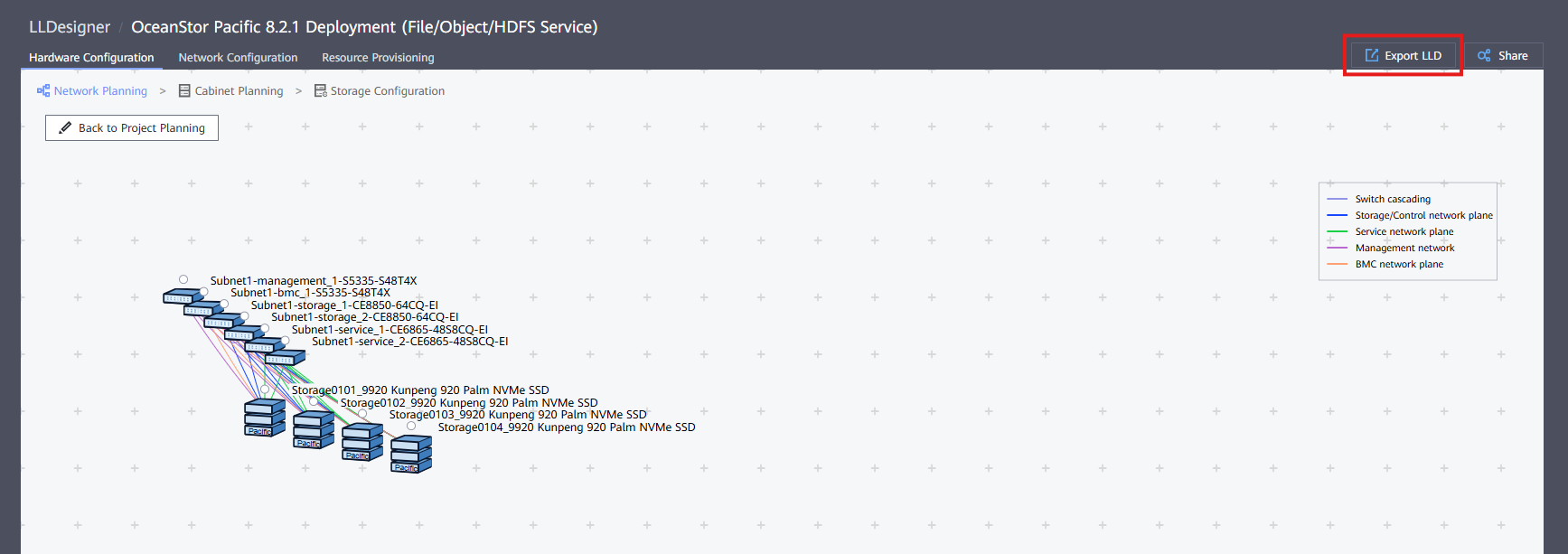
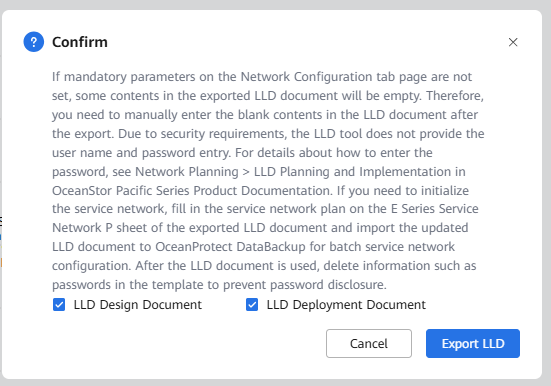
- Press the 'Export LLD' button to obtain the document required for the Cluster Deployment: