Cluster Deployment
Definition
For OceanStor Pacific devices, the deployment consists on the creation of a Storage Cluster using the Pacific nodes from the devices.
Requirements
- DeviceManager client
- LLD Deployment Document (see: Configure Scale-Out Storage Project)
- SmartKit Scale Out Tools
Tasks
- Open SmartKit Scale-Out Storage Deployment tool:
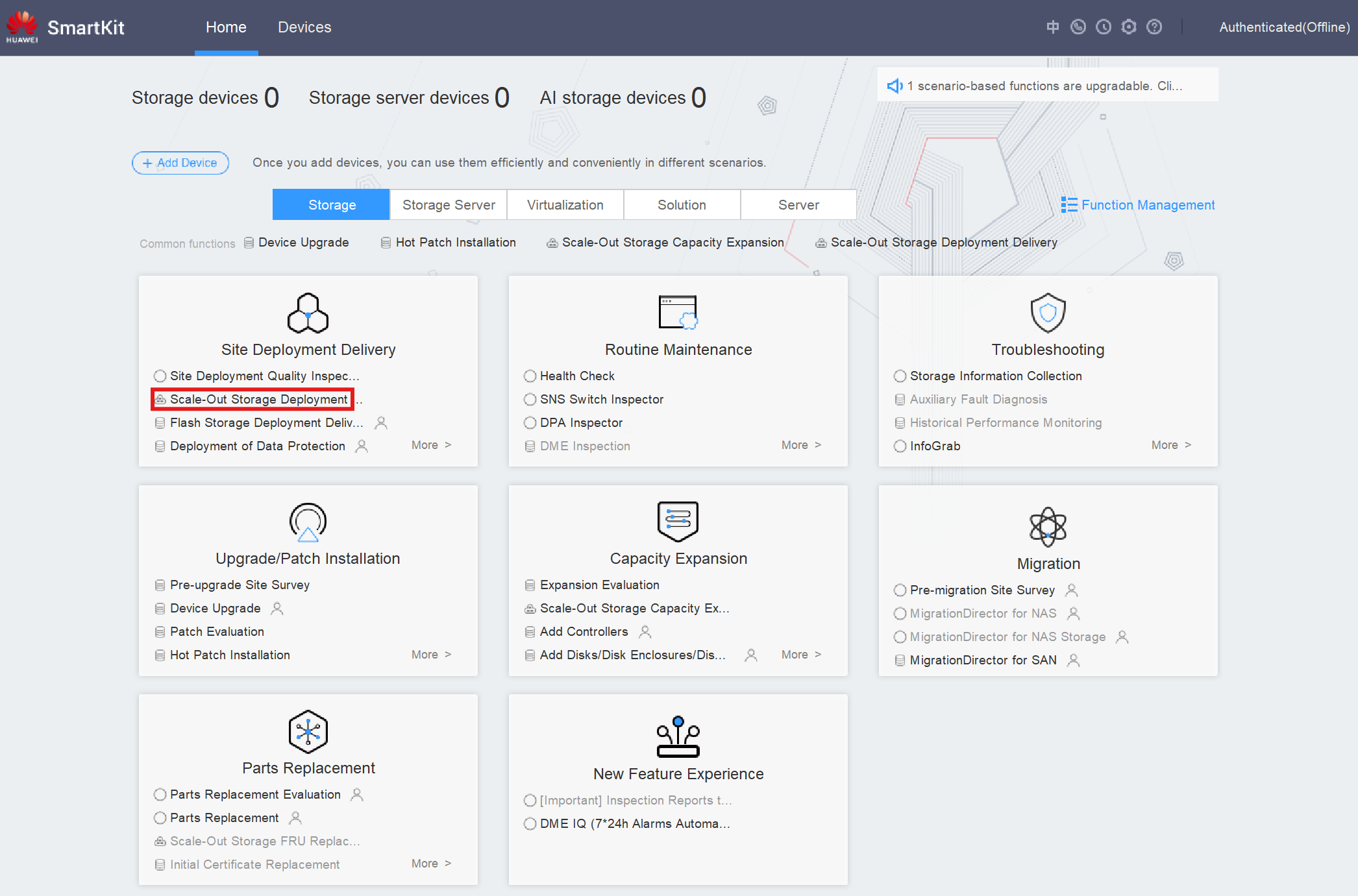 2. Select Scale-Out Storage Deployment Delivery:
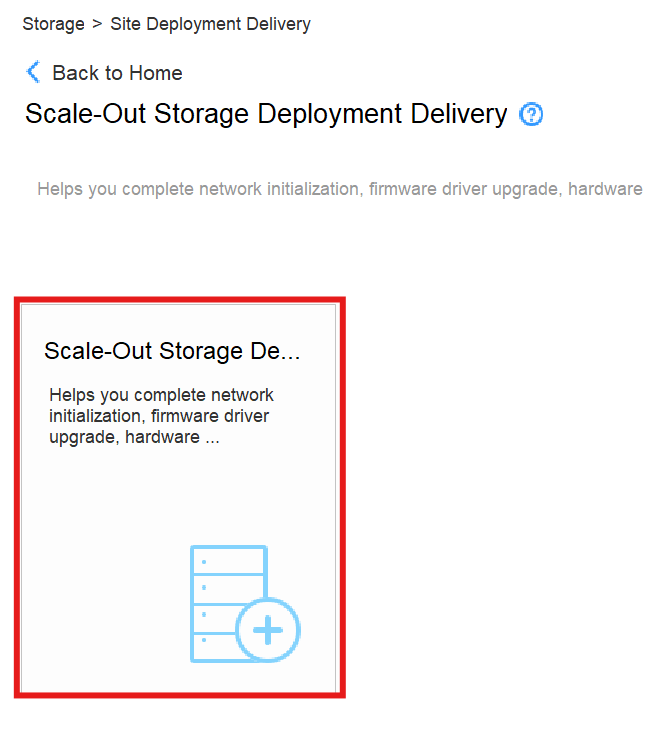 3. Press Create Task button:
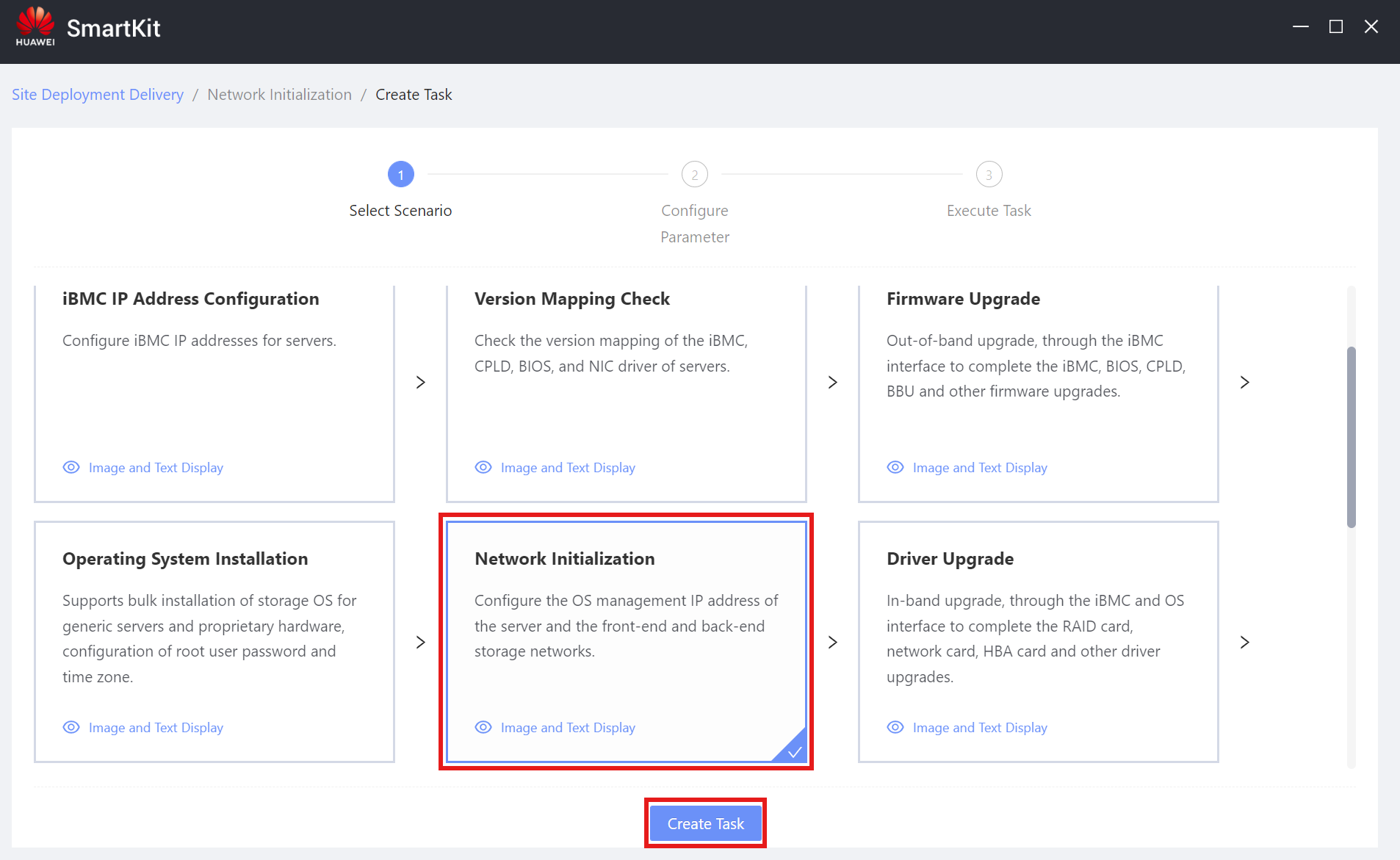
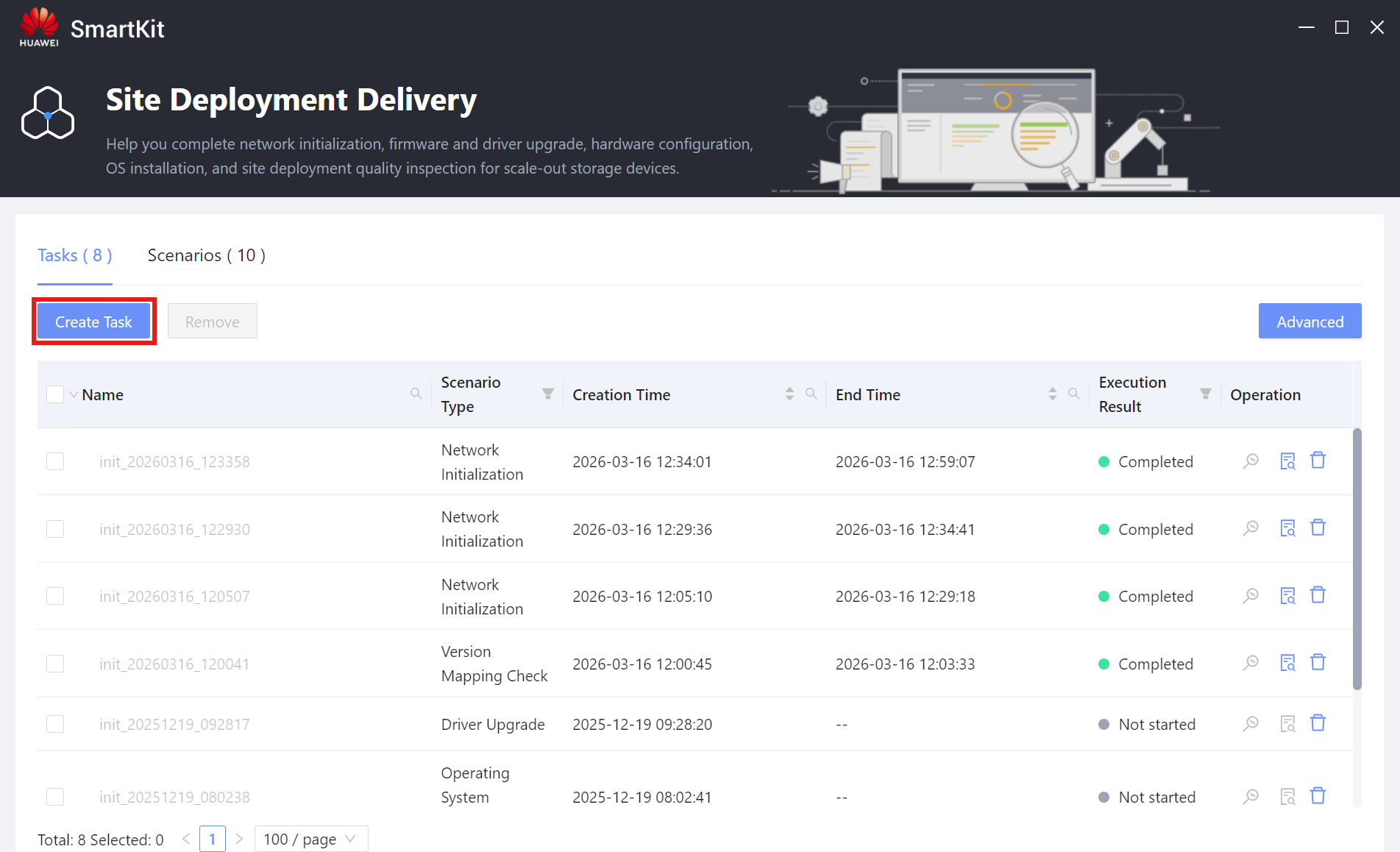 4. Select Network Initialization scenario and press Create Task:
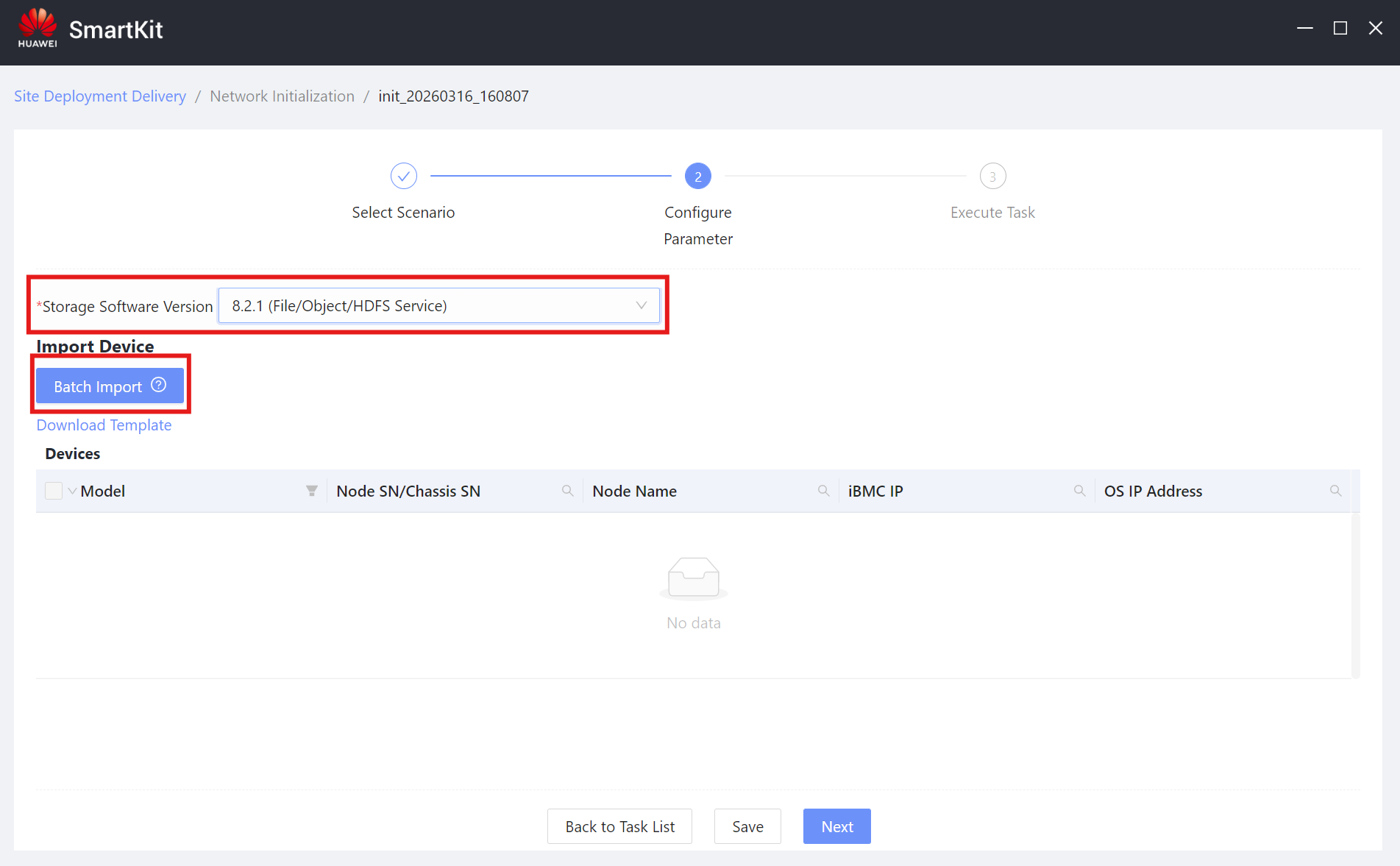
 5. Select the Storage Software Version and import the LLD Deployment Document:
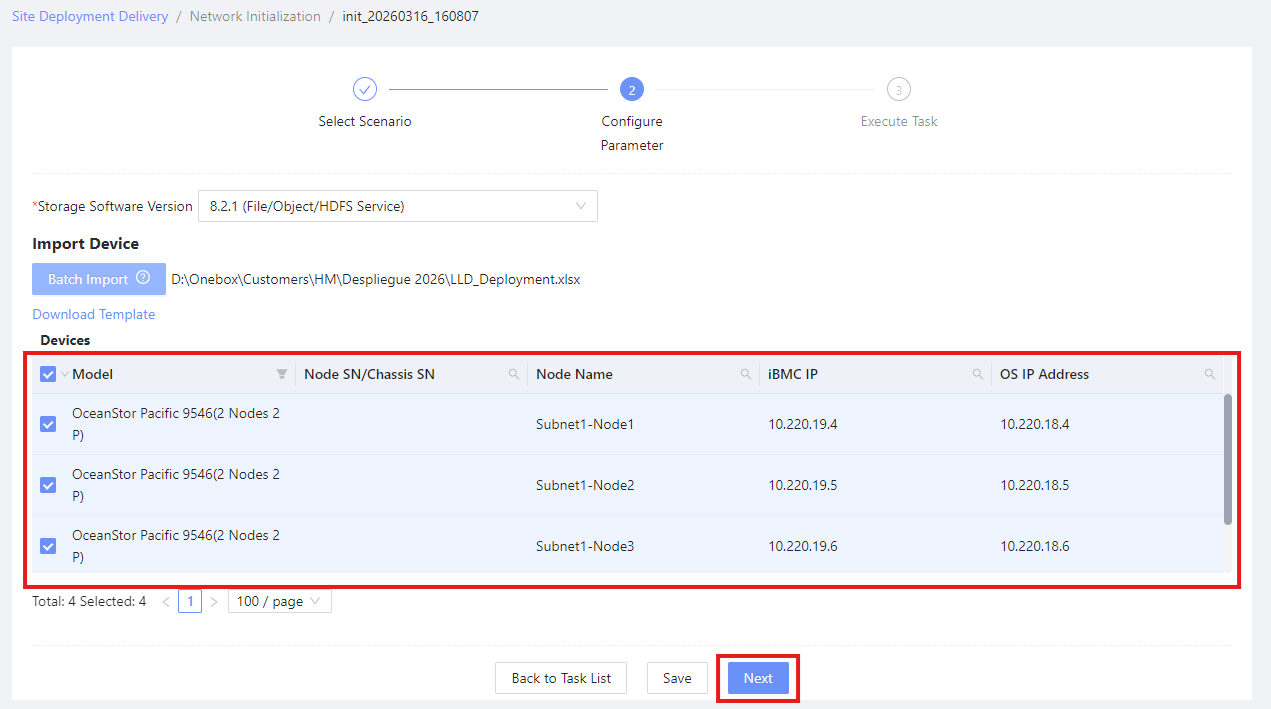
 6. Select the Devices for the operation and press Next:
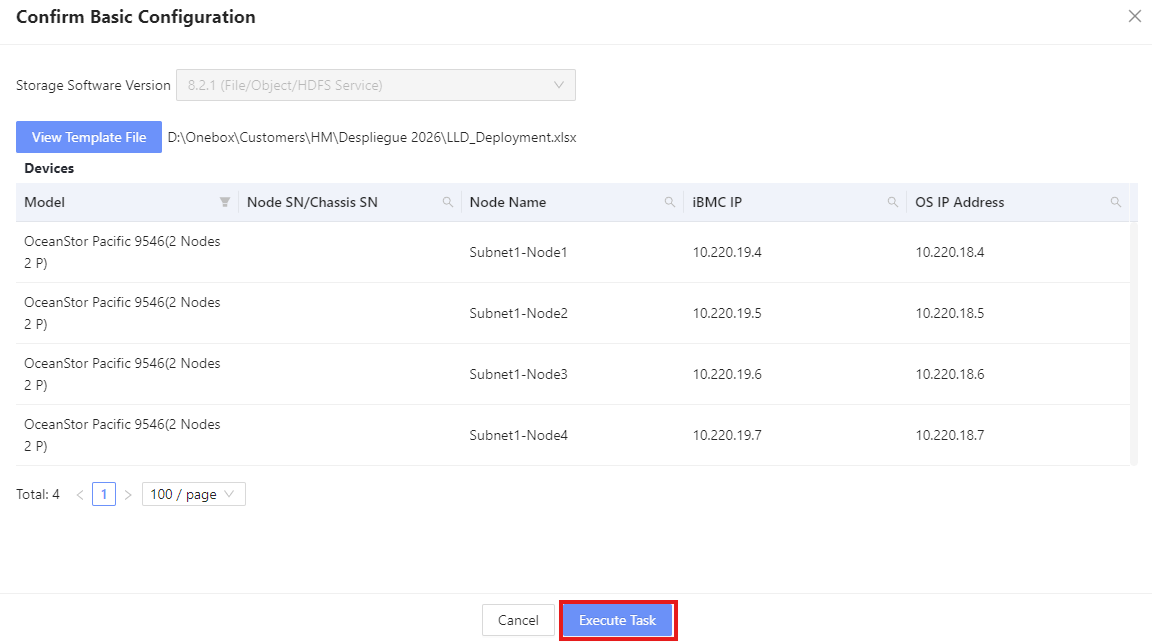
 7. Confirm the operation and press Execute Task:
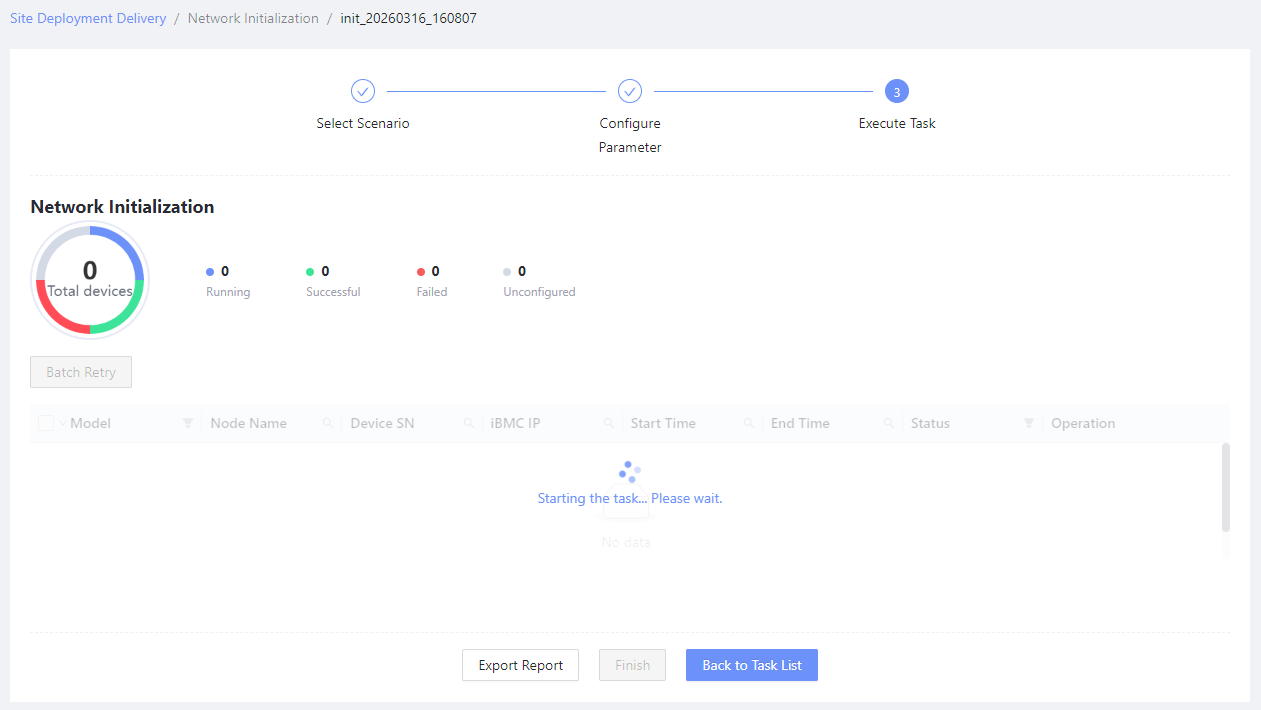
 8. Wait for completion and close the tool:
 9. Access the OceanStor-Pacific_X.X.X_DeviceManagerClient directory.
10. Execute the
9. Access the OceanStor-Pacific_X.X.X_DeviceManagerClient directory.
10. Execute the run.bat file inside of the directory.
11. Inside of the web browser, select Pre-installation as the Installation Mode:

-
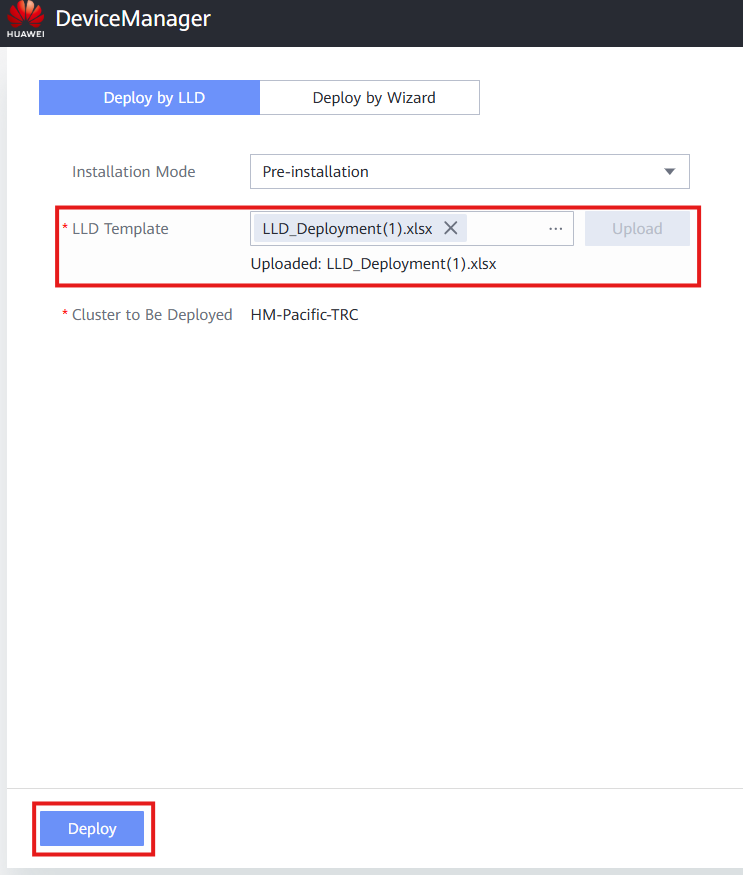
Upload the LLD Template and press Deploy:
 13. Wait for the deployment to finish and access the DeviceManager cluster IP for confirmation.